Role management

Decide which actions grant a specific role to your users, or add roles in bulk to the members of your server.

Automatic roles

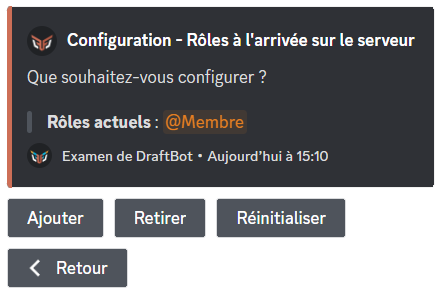
On join

⫸ Open the DraftBot panel

Then select the role you want to grant automatically when a new member joins.

Some roles may appear in red for one of the following reasons:

  • DraftBot does not have permission to manage roles.
  • DraftBot's role is below the roles you want to assign.
  • The user's role is below the roles they want to assign.
  • The role is managed by a bot or by Discord.
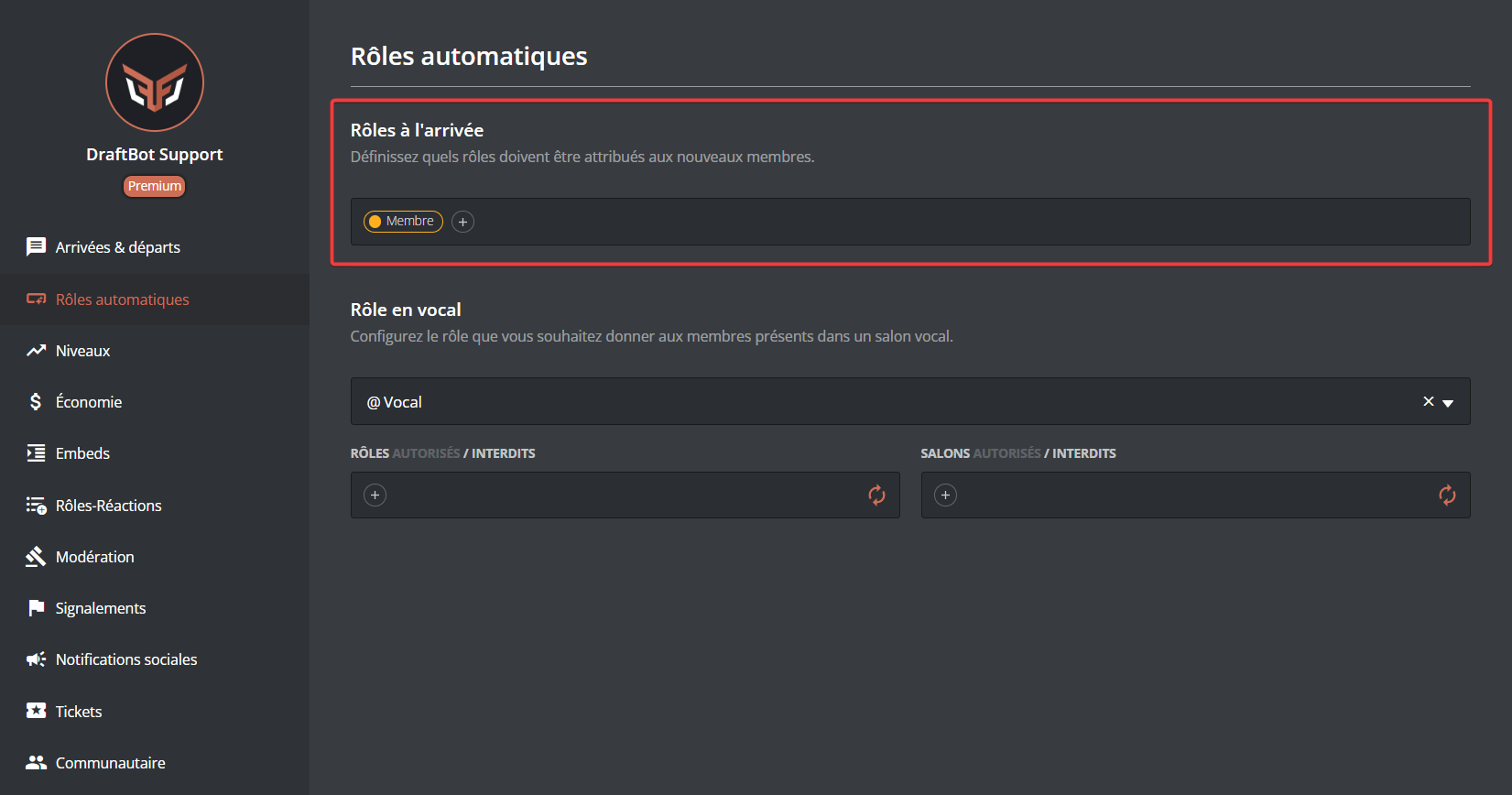
Configuring automatic roles on join from the panel

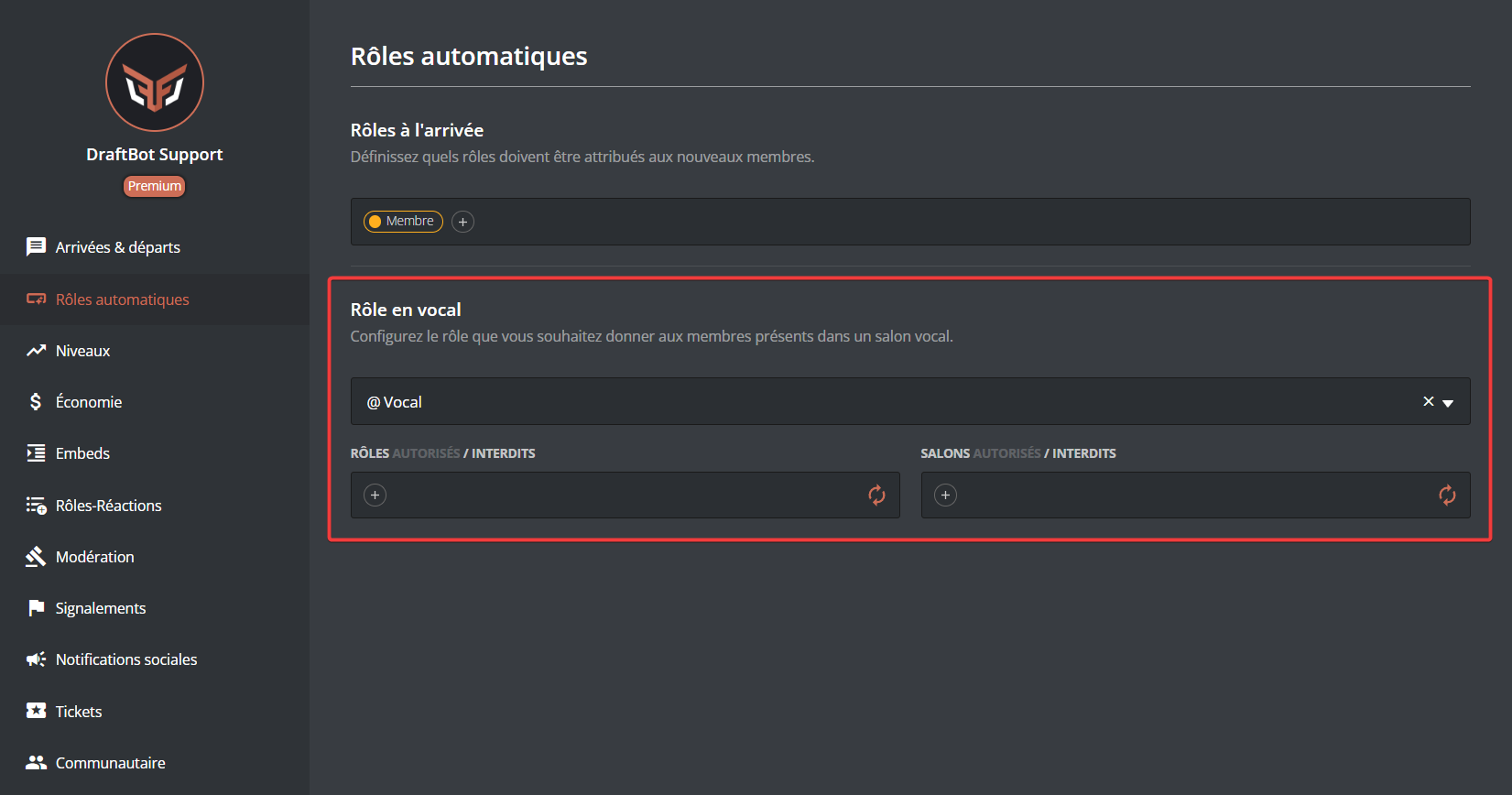
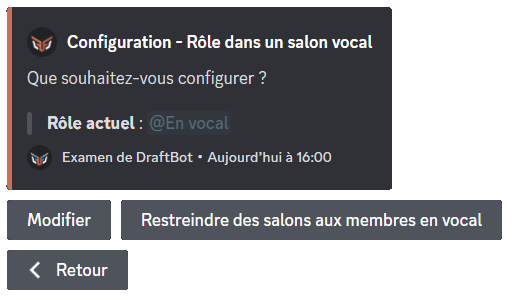
In voice

⫸ Open the DraftBot panel

Then select the role you want to grant automatically when a member joins a voice channel.

Some roles may appear in red for one of the following reasons:

  • DraftBot does not have permission to manage roles.
  • DraftBot's role is below the roles you want to assign.
  • The user's role is below the roles they want to assign.
  • The role is managed by a bot or by Discord.
Configuring automatic voice roles from the panel

Assigning roles in bulk

The /role all command gives a specified role to every member of the server.

Example of the command
Choose the action to perform (add or remove), then select the role concerned. You also need to choose whether every member is affected (humans + bots) or only one of the two.

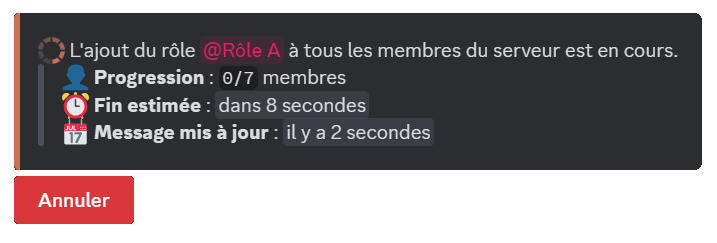
Once the command is launched, the roles are assigned and a message keeps you informed of its progress1.

Task tracking
Task tracking

Footnotes

  1. The more members there are, the longer the task takes. 2