You can stack several Markdown marks to combine formats: bold italic with ***Text***.
Markdown
Discover and use Discord markdown in your messages.
Basic markdown
| Preview | Markdown |
|---|---|
| Italic | *Text* or _Text_ |
| Bold | **Text** |
~~Text~~ | |
| Underlined | __Text__ |
Advanced formatting
Heading
To create a heading, put a specific number of hash characters # as the first term(s) of a new line.
The more # you use (3 maximum) for a heading, the smaller the heading.
Markdown:
# Heading 1
## Heading 2
### Heading 3
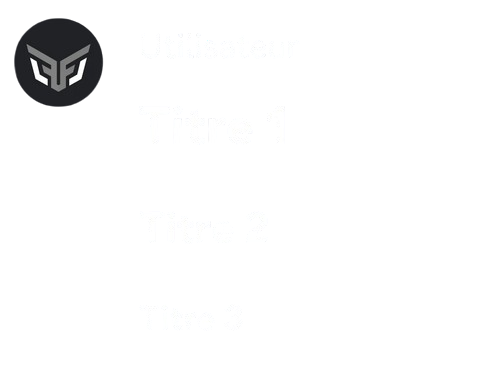
Remember to put a space between your heading and the code.
This applies to every list and heading Markdown mark.
Subtext
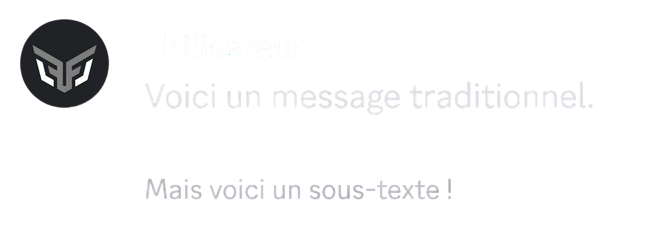
You can turn text into subtext, so it is displayed smaller than normal text, by adding -# at the beginning of the line.
Markdown:
-# Text
Masked link
You can embed a masked, clickable hyperlink in a text.
Markdown:
[Text](hyperlink)

List
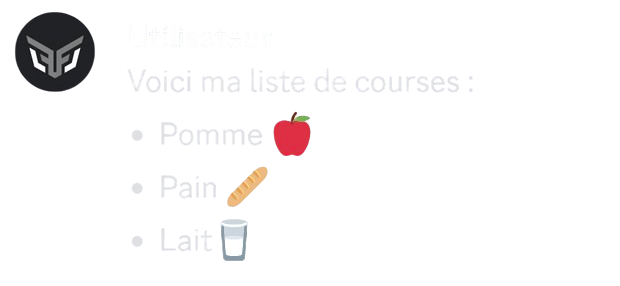
You can create a bullet list using - or * at the beginning of each line.
You can also indent your list by adding a space before the - or * at the beginning of each line.
Markdown:
- Line 1
- Line 2
...
Quote
Markdown:
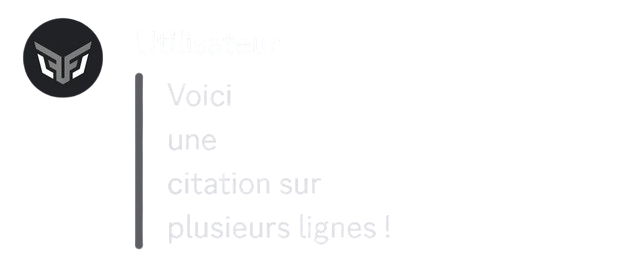
> Text on a single line
or
>>> Text
over
several lines
Spoiler
You can hide your text, so that it is only visible when clicked, with spoilers.
Markdown:
||Text||

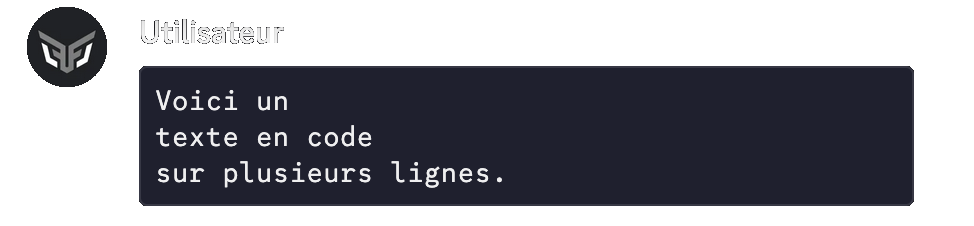
Code block
Markdown:
```Text
Text
Text```
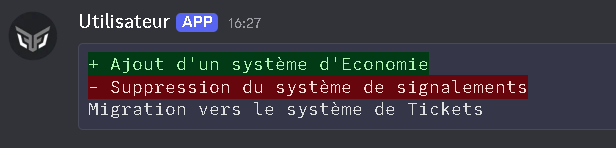
Language code
Example markdown:
```diff
+ addition
- removal```
Inline code
Markdown:
`Text`
or
``Text``

