Once you are done, remember to save your changes with the "Save" button at the bottom of the page.
Joins & Leaves
Set up messages that are sent when a member joins or leaves your server.
Welcome messages
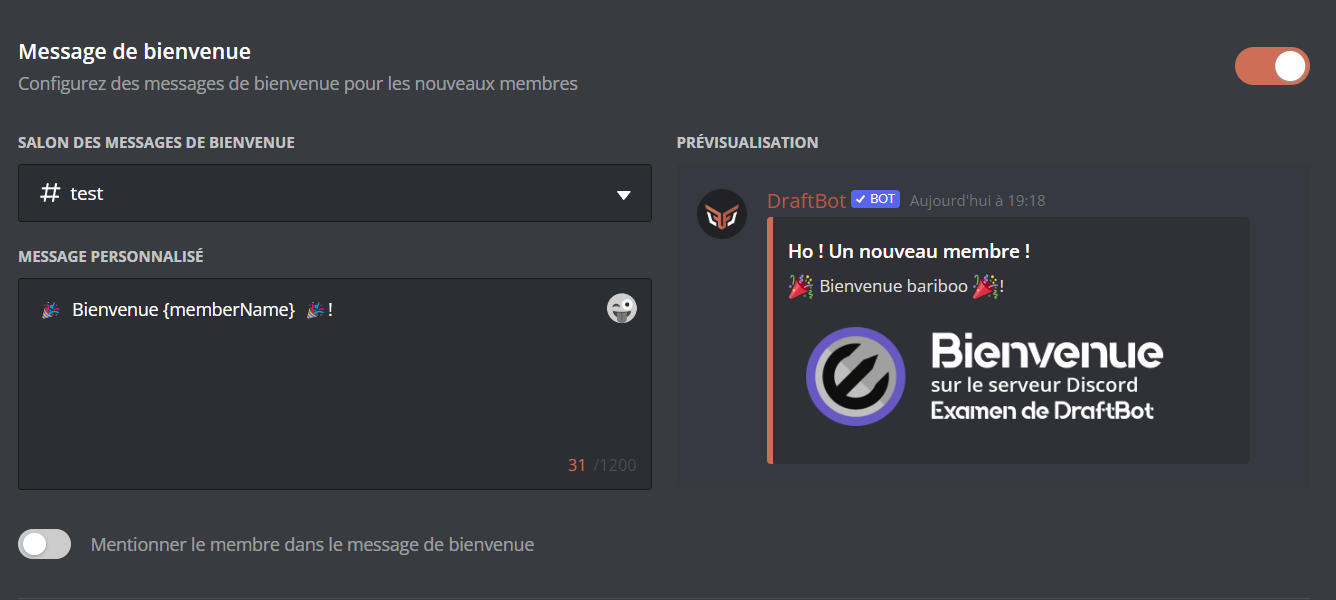
Welcome messages are sent when a member joins your server. They let you greet a newcomer and give them information about your server.
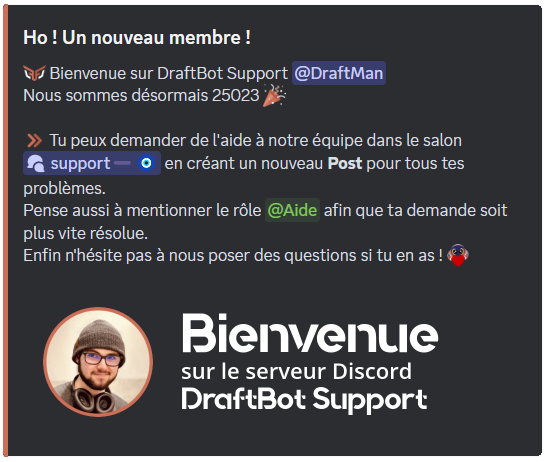
Configuration
You then need to enable the system by clicking the module's activation button. To disable it, click that same button again.

 plan.
plan.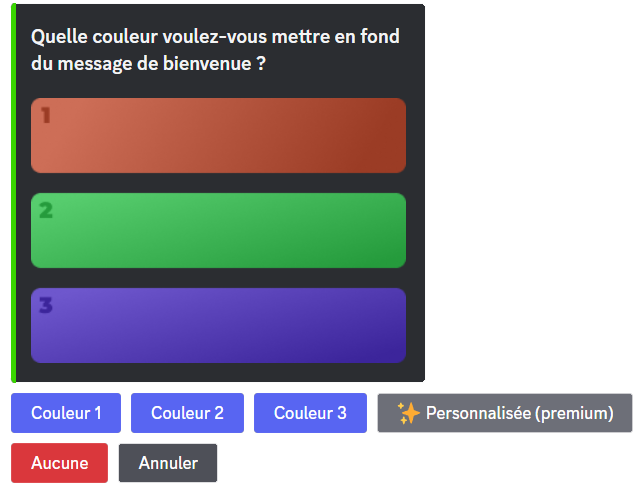
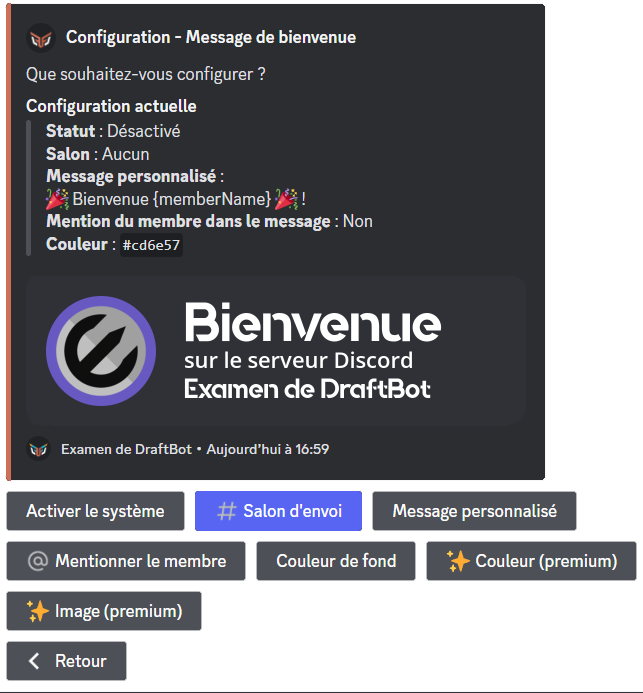
Welcome messages are only sent once the onboarding process is complete and the server rules set through Discord have been accepted.
Goodbye messages
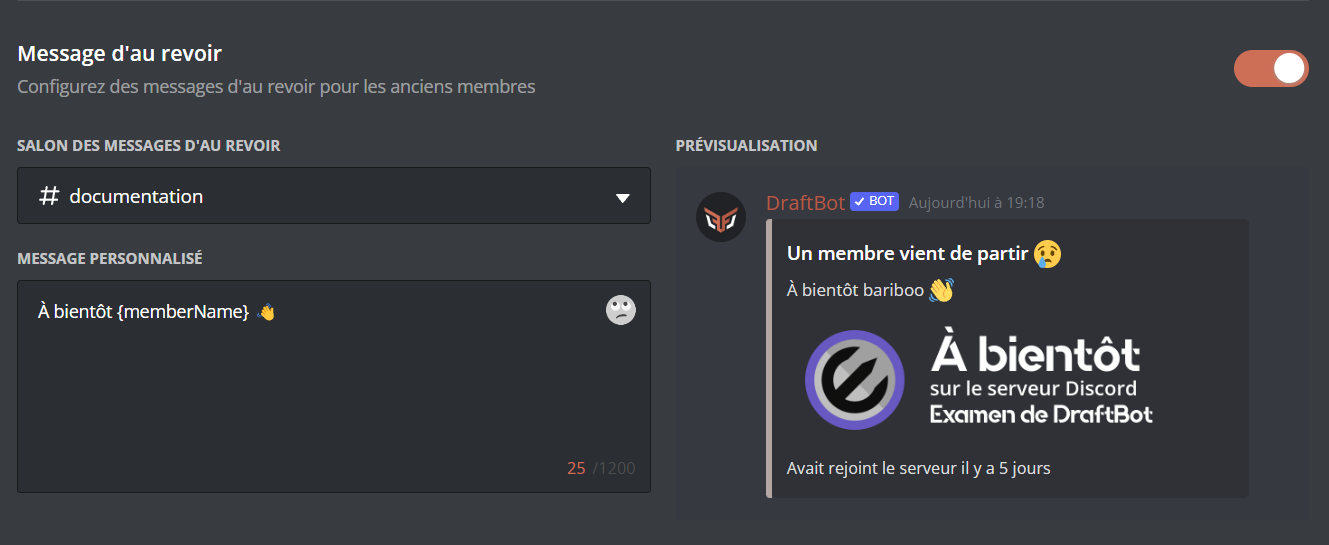
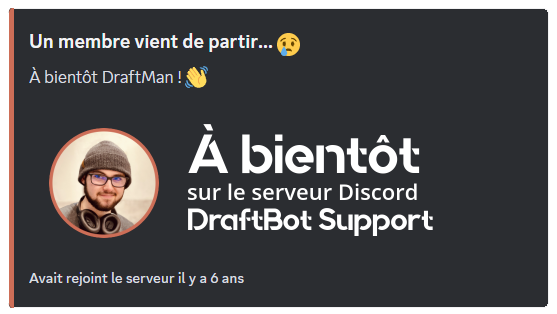
Goodbye messages are sent when a member leaves your server. They let the community know that a member has left and wish them well.
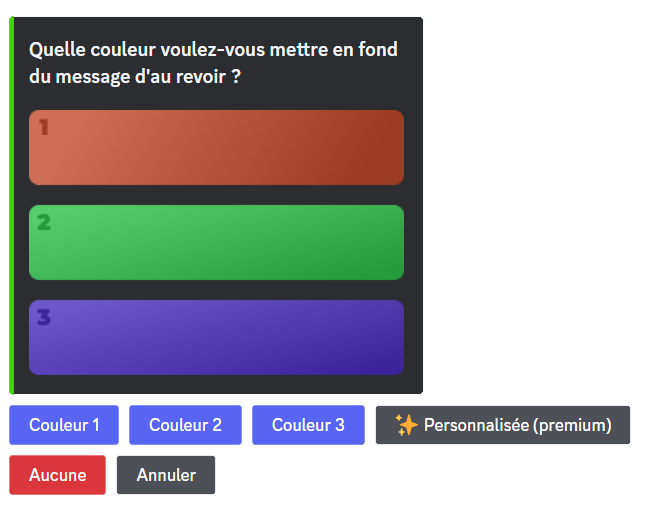
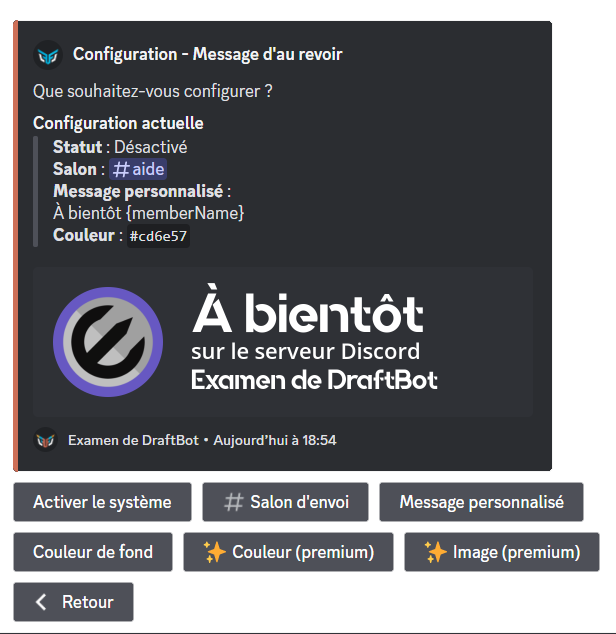
Configuration
You first need to enable the system by clicking the module's activation button. To disable it, click that same button again.

Once you are done, remember to save your changes with the "Save" button at the bottom of the page.