To work properly, DraftBot has to sit right at the top of the role hierarchy and have the Administrator permission.
Backups
Secure your server's structure by creating and restoring complete backups of it.
What is the backup module?
The Backups module creates a complete copy of your server's structure, so you can restore it later in case of a mistake or a redesign.
A backup includes:
- The server's general information
- The categories and channels (text and voice)
- The server roles
- The members' roles
Creating a backup
The /backup create command creates a backup.
The name option is available for setting a custom name to identify the backup.
Backup names cannot exceed 30 characters.
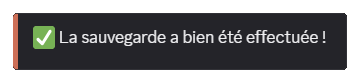
Congratulations! You have created a backup!
Listing backups
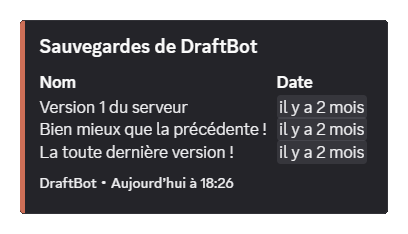
The /backup list command displays every existing backup.
The list displays:
- The name
- The creation date
Restoring a backup
The /backup restore command restores an existing backup.
The backup option is available for selecting the backup to restore.
Warning: when you request a restoration of your server, you must have disabled your server's community option first, if that is not already the case.

Deleting a backup
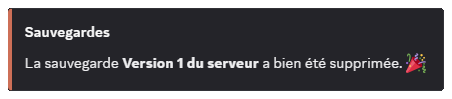
The /backup remove command deletes a specific backup. It has a backup option for selecting the backup to delete.
When you run the command, a confirmation is requested before deletion.
Resetting every backup
The /backup reset command deletes every backup of the server.
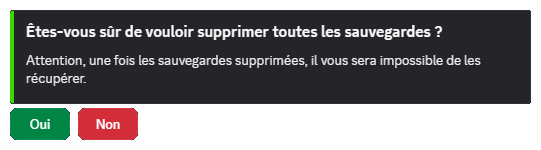
If you agree to delete every backup, this action cannot be undone.
