This name is not visible to the members of your server.
Repeat messages
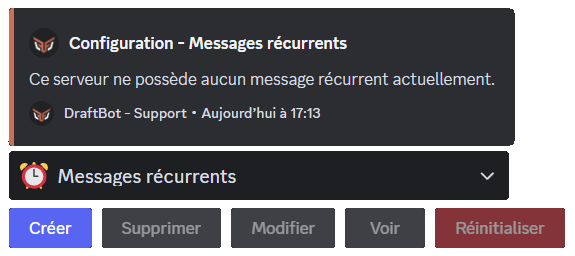
DraftBot lets you create messages that are sent on a recurring basis, with a few extra features.
Creating a repeat message
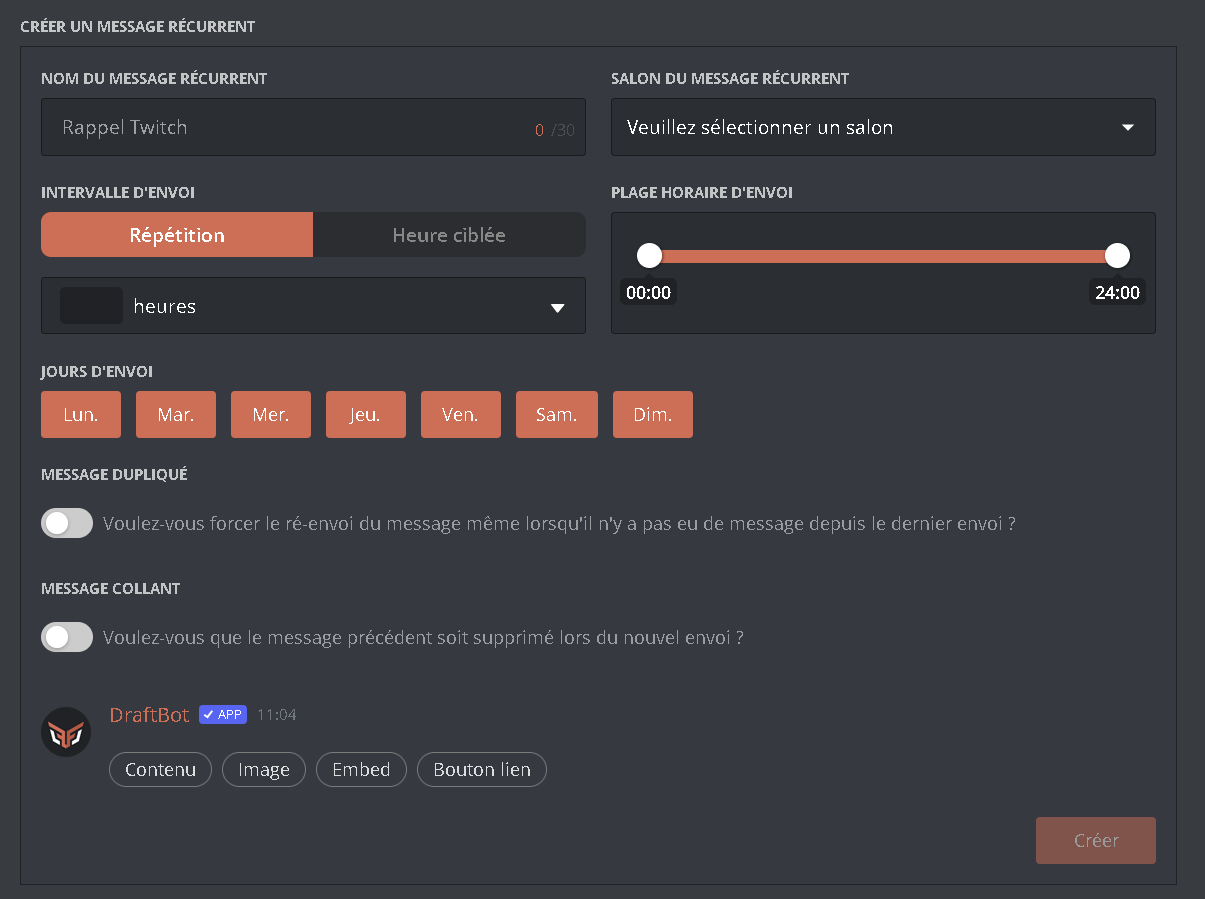
You can configure a whole range of options:
"Repeat message name"➜ Give your message a name to find it in the list of all your repeat messages!
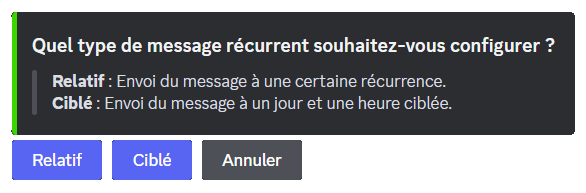
"Repeat message channel"➜ Select the channel the message is sent to."Sending interval"➜ Choose the type of interval.
➜ The message is sent at a set recurrence.
Start by entering the recurrence at which you want your message to be sent.
You can then limit the times at which your repeat message is sent. To do so, set a time range in "Sending time".
This means that during the time range you set here, your message is sent at each recurrence you configured in the previous step.
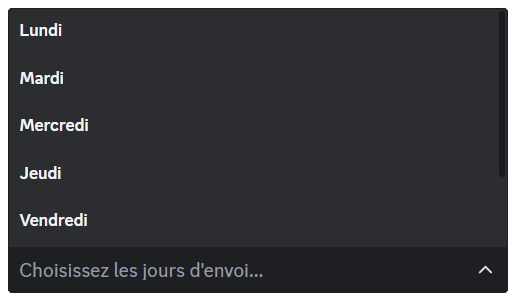
"Days of sending"➜ You can restrict the sending of the message to certain days of the week.
In the basic configuration, every day is a sending day.
"Duplicated message"➜ Once this option is enabled, the repeat message is not sent if there has been no message since the last time it was sent."Sticky message"➜ When the repeat message is sent, the bot automatically deletes the previous one (premium )
)
 Repeat messages" in the selector. Finally, click