You can add a single YouTube channel. Premium  servers can have up to 5.
Social notifications
Make your activity on other social networks public!
Modules
YouTube
This module displays a message when a YouTube video is published.
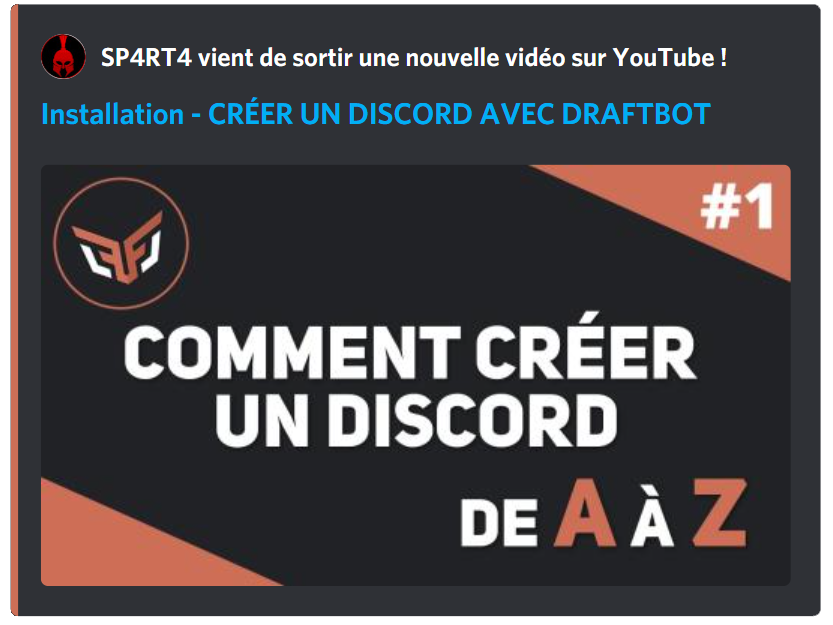
The announcement is fully customizable. Administrators can therefore configure a notified role, enable publication on other servers, choose the color of the announcement embed (premium ), as well as other visual elements.
You can select the types of videos that are published, in the YouTube channel's configuration. You can therefore add videos, shorts and live streams.

You can customize the announcement message with several variables:
| Variable | Description | Example |
|---|---|---|
{video.author} | Channel name | DraftBot |
{video.title} | Video title | How to use DraftBot |
{video.url} | Video link | https://youtube.com/... |
In addition to the other variables already available globally!
Twitch
This feature is reserved for premium servers.
Twitch social notifications send a customizable message when a live stream starts. A server can configure up to 5 different Twitch social notifications.
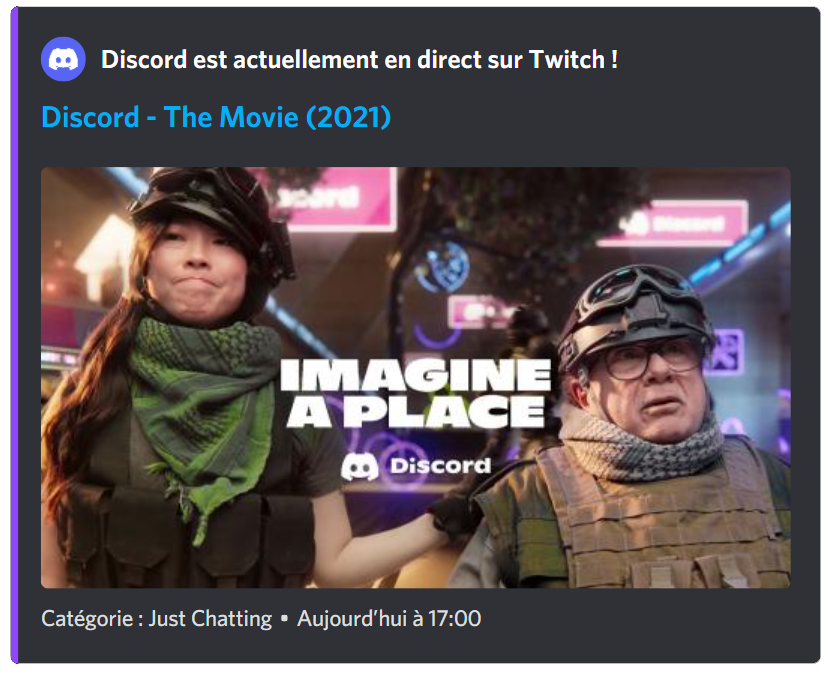
To avoid embed spam, a 30-minute delay applies between two announcements from the same person.
You can customize the announcement message with several variables:
| Variable | Description | Example |
|---|---|---|
{stream.author} | Channel name | StreamerName |
{stream.title} | Stream title | Development stream |
{stream.game} | Game being streamed | Just Chatting |
{stream.url} | Stream link | https://twitch.tv/... |
{stream.start_at} | Start time | 2 hours ago |
{stream.tags} | Stream tags | english, development |
In addition to the other variables already available globally!
This module displays a notification when something is published in a subreddit. As with the other social notification modules, the message sent is fully customizable: it can therefore be sent as a classic message or as an embed.
Here is an example of a notification message:
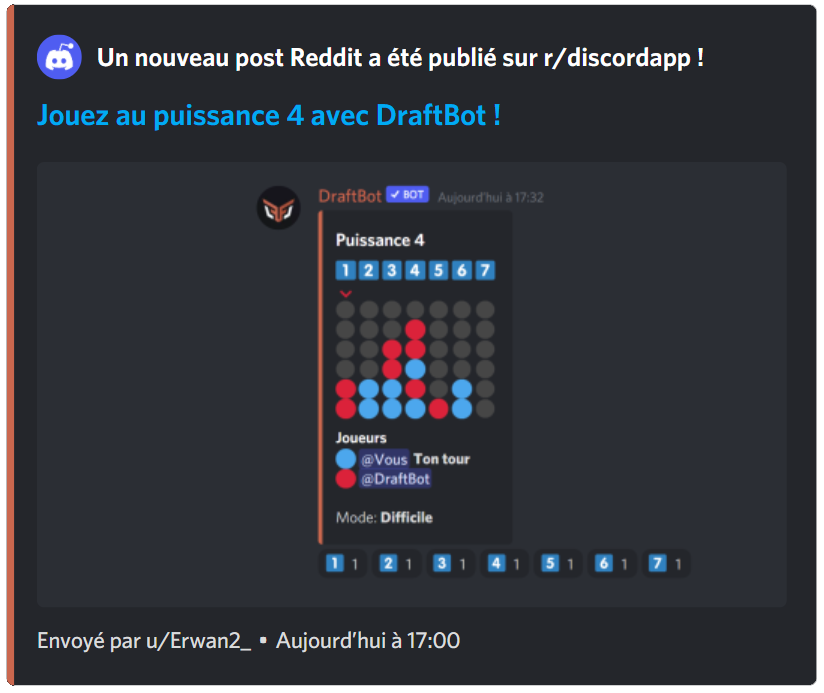
To make the Minimum upvotes option work for every server, a minimum delay of 15 minutes between the publication on Reddit and DraftBot's announcement has been put in place.
You can customize the announcement message with several variables:
| Variable | Description | Example |
|---|---|---|
{post.subreddit} | Subreddit name | r/discord |
{post.title} | Post title | Question about DraftBot |
{post.description} | Post description | How do I set up… |
{post.url} | Post link | https://reddit.com/... |
In addition to the other variables already available globally!
Epic Games
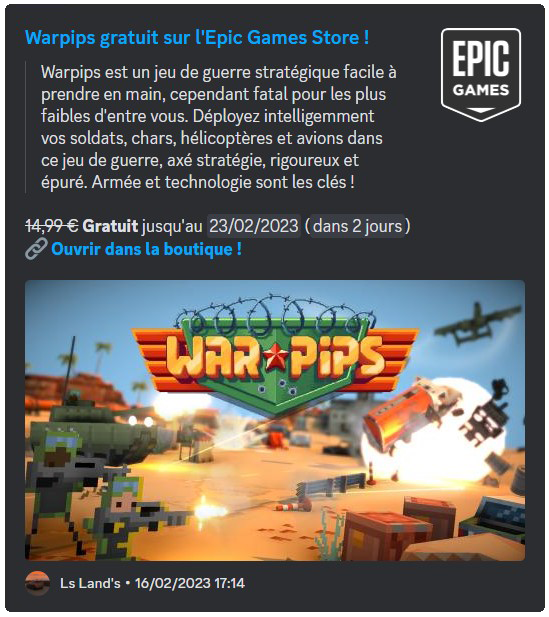
This module sends an announcement when a free game is available on the Epic Games Store.
The mentioned role, the color of the announcement and the sending channel can all be customized.
Steam
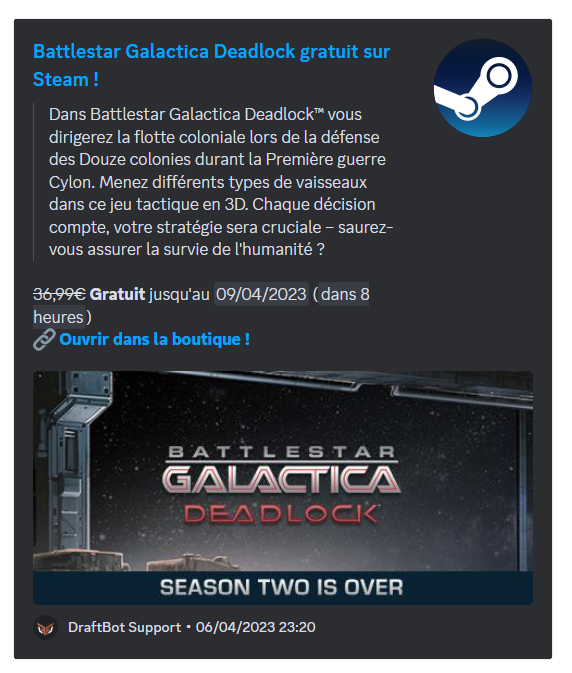
This module sends an announcement when a free game is available on Steam.
The mentioned role, the color of the announcement and the sending channel can all be customized.
GOG
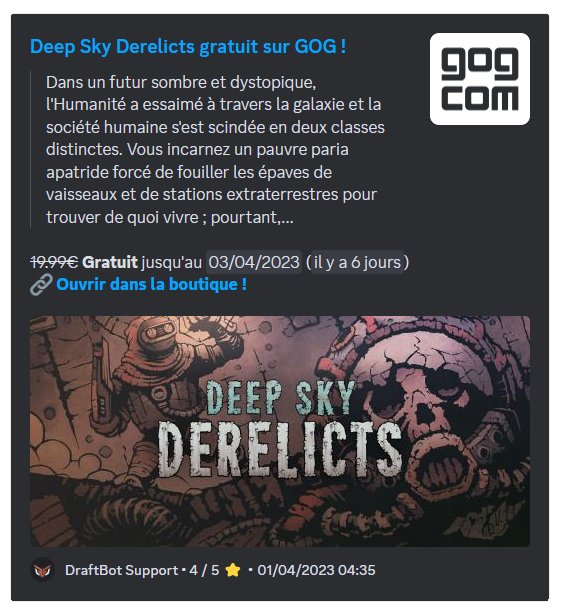
This module sends an announcement when a free game is available on GOG.
The mentioned role, the color of the announcement and the sending channel can all be customized.
Dealabs
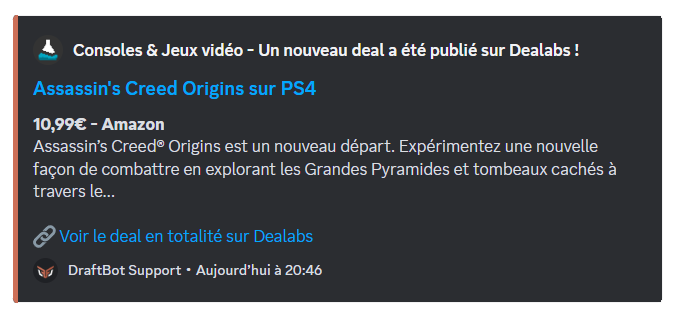
This module sends a notification when a discount becomes "hot". This is the stage at which the deal is judged worthwhile by the site's users. You can also select specific categories of deals to send (for example: Tech, Fashion, etc.).
You can select up to 2 specific categories. Premium servers have no limit.
The mentioned role, the color of the announcement and the sending channel can all be customized.
RSS feeds
An RSS feed is an address provided by a website, automatically listing its latest publications. This module lets DraftBot watch such a feed and announce every new publication on your server.
There are three ways of finding a site's RSS feed:
- Spot the RSS icon
Some sites mark their feed with this logo , usually placed in the header, the footer, the sidebar or the menu. Click it to open the feed.
 - Guess the feed address
If no icon is visible, try adding one of these suffixes to the site's address — they are the most common ones:/feed//rss//rss.xml
For example, for the siteexample.com, tryexample.com/feed/. - Generate the feed with rss.app
For sites that offer no feed at all, go to rss.app. Paste the site's address in the generator, click "generate", and you will get a usable feed.
To avoid spam, a 10-minute delay applies between two announcements.
You can customize the announcement message with several variables:
| Variable | Description | Example |
|---|---|---|
{feed.name} | Feed name | DraftBot Blog |
{feed.url} | Feed link | https://draftbot.fr/... |
In addition to the other variables already available globally!
Configuration
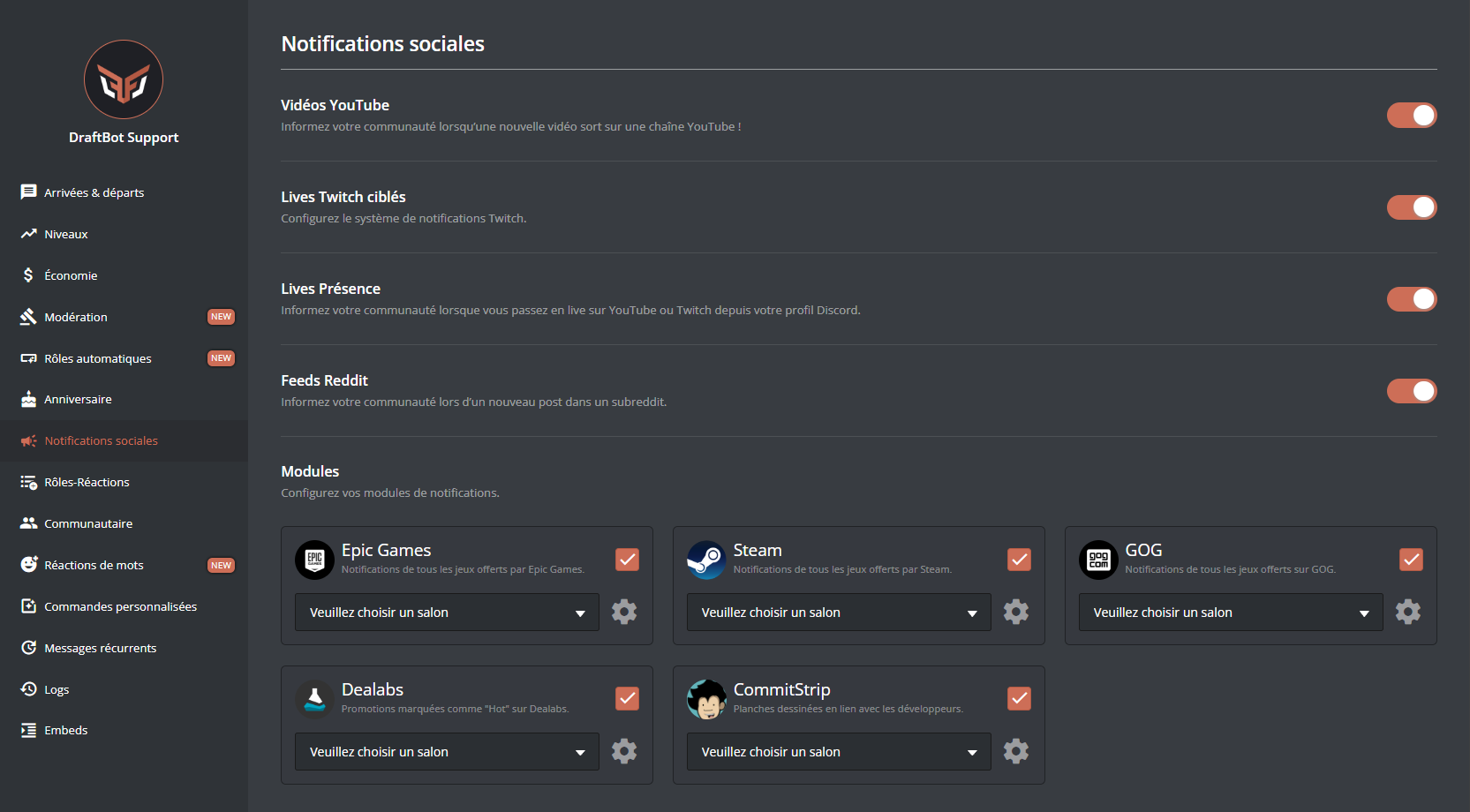
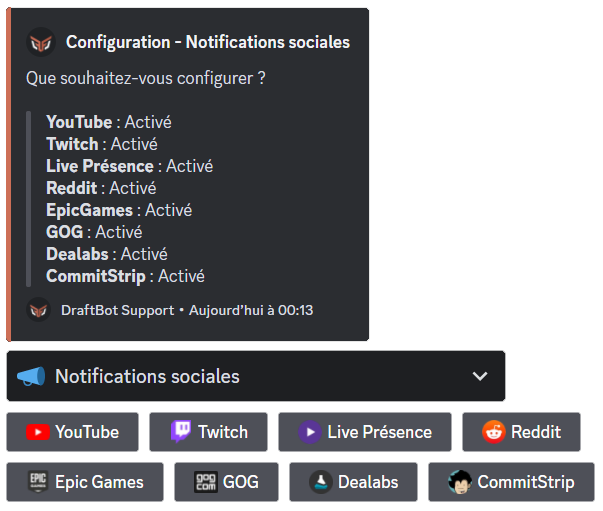
You can enable every type of social notification separately.
On this page, you can enable and disable social notifications as you like. There are two types:
- The tabs, which can be configured for several channels or forums.
- The modules, which enable notifications requiring very little configuration.
Additional information
You will find the maximum number of announcements per platform in the DraftBot Premium comparison, in the Social notifications part.


