Note that changing the day or the month of your birth date triggers a progressive waiting time before the next change.
- 1st change: 1 day
- 2nd: 2 days
- 3rd: 6 months
- 4th and beyond: 1 year
With DraftBot, you can enter your birth date and offer rewards to the members of your server celebrating their birthday!
The birthday system lets members share their birthday easily. With it, you can give them special attention to celebrate that day.

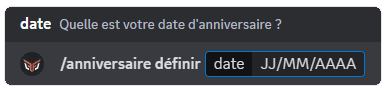
You can set your birthday through the DraftBot panel or with the /birthday set command. Put your birth date in the Date argument.
You can also see the list of the next ten birthdays set on the server with the /birthday list command.
Note that changing the day or the month of your birth date triggers a progressive waiting time before the next change.
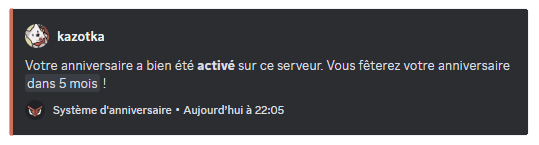
With the /birthday enable and /birthday disable commands, you can turn the visibility of your birthday on or off, server by server. You can also change these settings from the panel, in the profile section.
You can disable the visibility of your birthday on every server with the /birthday remove command.
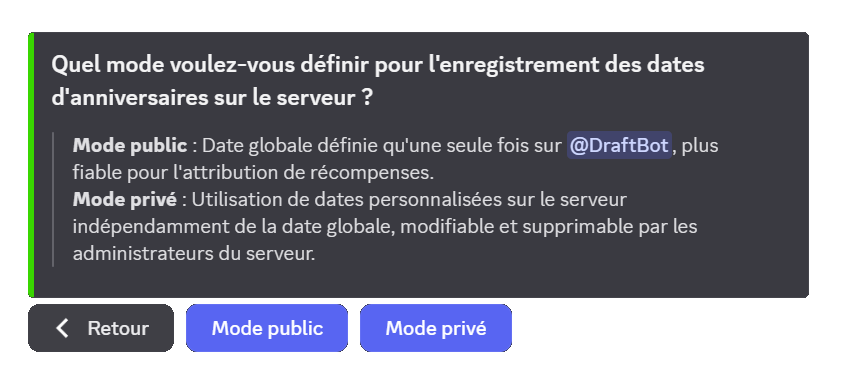
Before setting up birthdays on your server, you have to choose the mode you want to use.
| Public mode | Private mode |
|---|---|
| Birthdays are the same as those in the global database | The birthdays that are set are only available on your server |
| Requires a single setup for the user | Lets the user set a birth date only on your server |
| You cannot control members' birthdays | You can delete, edit or add a member's birthday on your server |
| More reliable for granting rewards | Better suited to a roleplay server where dates are fictional |
Once your mode is selected, you can start configuring the system.

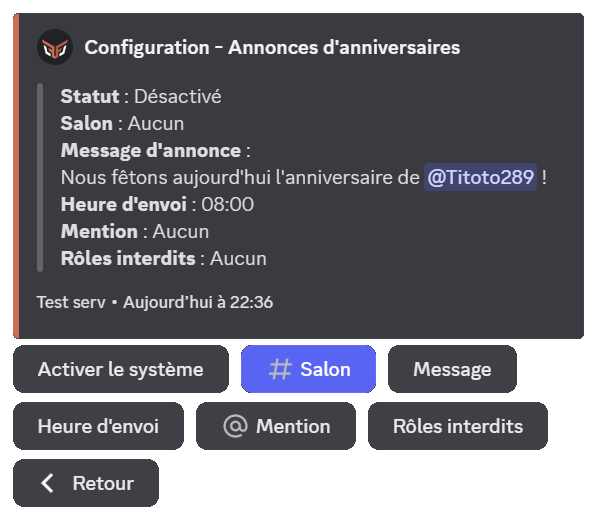
When one of your members has their birthday, you can send an announcement in a chosen channel.
You need to set the following:
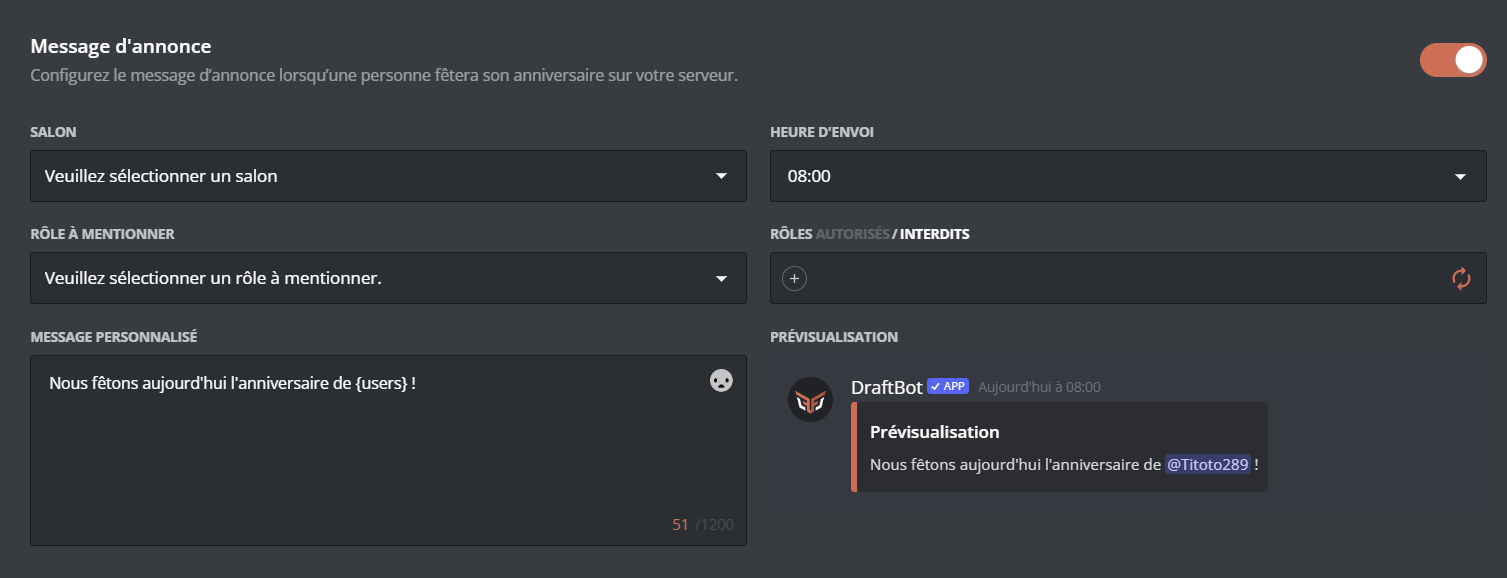
You can customize your message with several variables:
| Variable | Description | Example |
|---|---|---|
{user} | Member(s) celebrating their birthday | @John, @Jane |
{role} | Temporary birthday role | @Birthday |
{gifts} | Rewards granted | 500  , VIP role , VIP role |
In addition to the other variables already available globally!
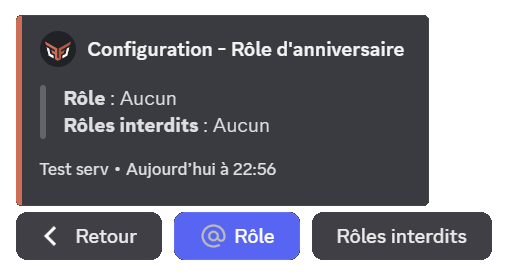
You can choose to grant a role, for the day, to the member celebrating their birthday. To do so, select the role to grant. You can also set which roles can or cannot receive the temporary role.
If you do not want any restriction, do not select any role and check that the word forbidden is in bold

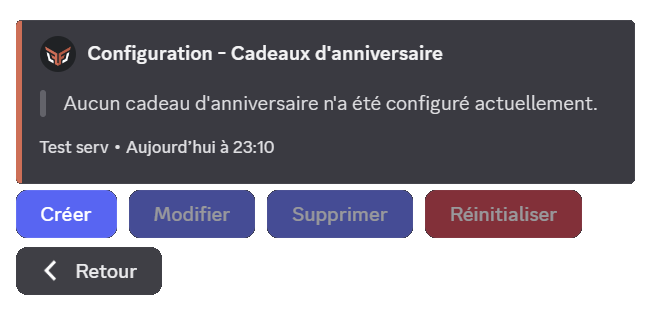
You can choose a gift to grant to members celebrating their birthday. Here are the gifts you can offer:
You can offer roles to your members. To add a role to the gifts, select the "Role" type.
Then choose the role to offer.
The selected role must have been created on your server beforehand, and must be accessible to DraftBot (so it must not sit higher than DraftBot's highest role).
You can offer up to 2 birthday gifts. Premium  servers can go up to 5.

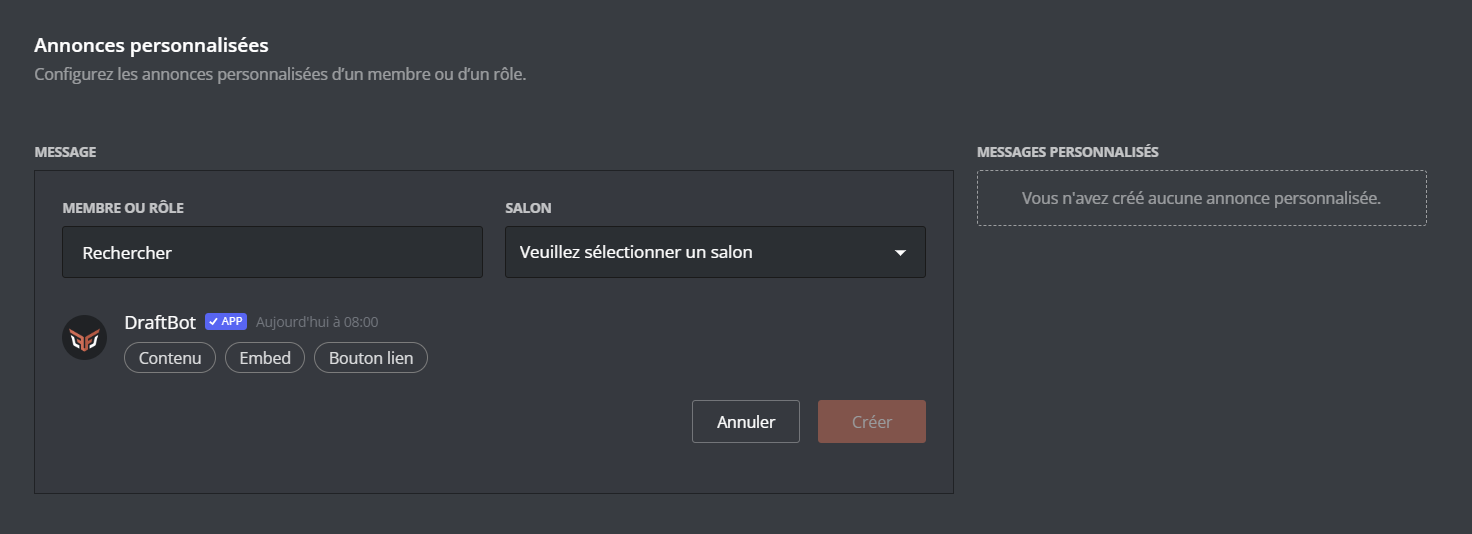
You can also set a more personal message for certain roles or members.
In the Custom announcements section, choose the role or member concerned as well as the sending channel. You can then write your message. You can also choose whether the members concerned by this announcement will be able to see it in advance if they have the Administrator permission.
The sending time is the same as for the other announcements
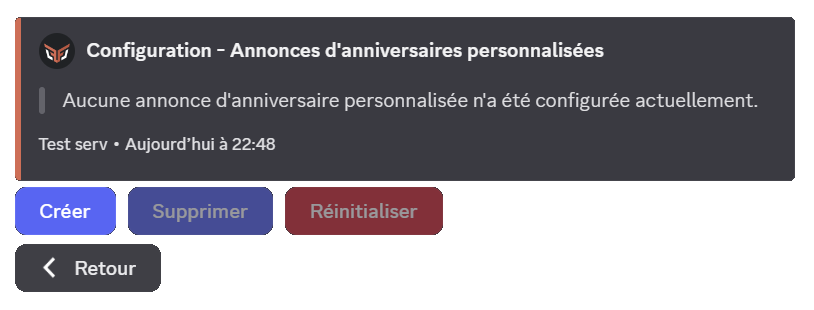
This feature is reserved for premium servers.